Features
Know what’s left before you spend.
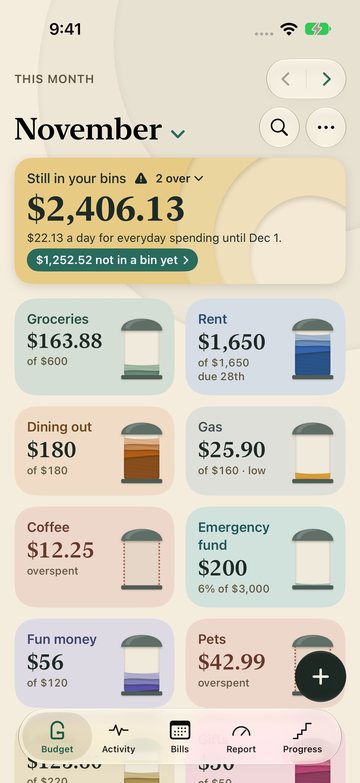
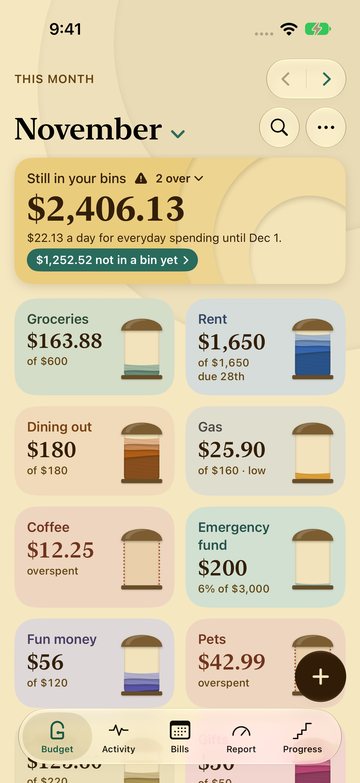
Bins are Granary’s envelopes. Each one shows what’s left for one thing. When you want the detail, the Ledger shows every cent and a running balance.


Bins and Ledger
Two views of the same budget.
Bins when you want the answer. The Ledger when you want the math.


Bins
Bins are Granary’s envelopes. Each one shows what’s left for one thing. The default, and the fastest way to say yes or not yet.


Ledger
Every cent and a running balance, any time you want the detail. Each person picks their own view.
In the app
What Granary does.
Two-tap logging
Your usual buys are waiting, and Granary remembers which bin each store goes in.
Apple Pay, logged
A Shortcuts automation on iPhone logs Apple Pay purchases in the bin you used at that store before. No bank login.
Bills that log themselves
Rent and subscriptions, weekly to yearly. Plus can also just remind you.
Split a purchase
One Costco run, shared between Groceries and Household.
Goals with a plan
Set a target and a date; Granary says what to set aside each month.
Bring your history
Import a CSV from YNAB, Goodbudget or your bank, reviewed before anything is added.
Check a statement
Open your bank’s CSV and see what you haven’t logged yet.
Notes on bins
Keep the water bill’s account number on Water. Pin a note, or tick it off.
Plan by paycheck
This paycheck shows what each check pays and what to set aside. With Plus, the Paycheck Calendar lays out every check and its bills.
Watch, widgets, Siri
What’s left, without opening the app.
On your watch face, your Home Screen and in Control Center, with the bills coming up. Log at the register without reaching for your phone, add money, or undo a slip. Your daily coffee is one tap.


Make it yours
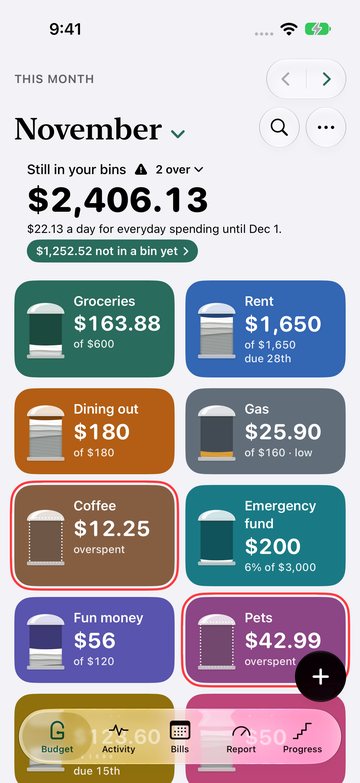
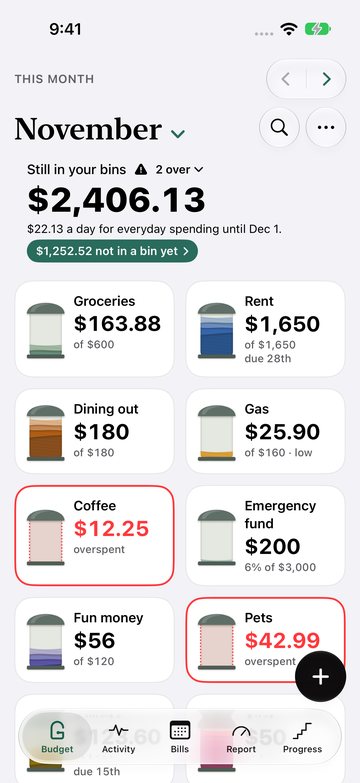
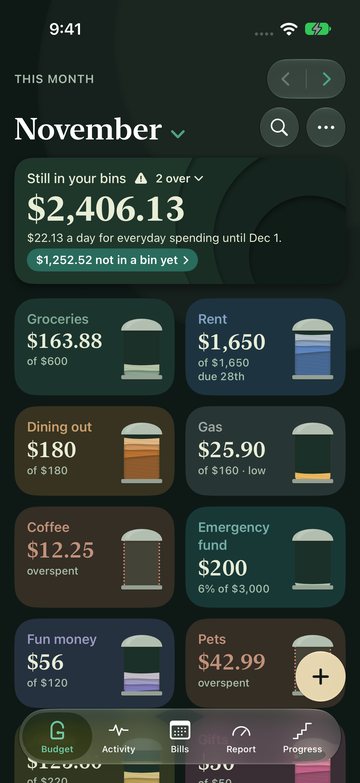
Six looks. Three are free.
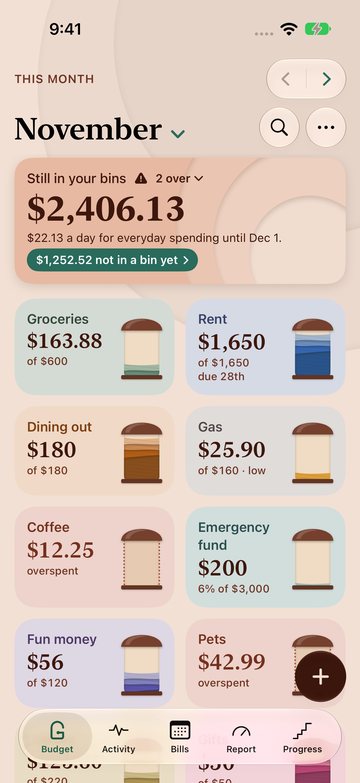
Daylight, Dusk, Bold and System are free; Night, Harvest and Clay come with Plus. How to change them.
Free on one device. Requires iOS 26, iPadOS 26, watchOS 26 or macOS 26. Not yet available in the EU.