How-to guides
Granary, step by step.
The common tasks, each with the buttons to tap and a short clip of it on iPhone. Where the Mac does it differently, the guide says how.


Getting started
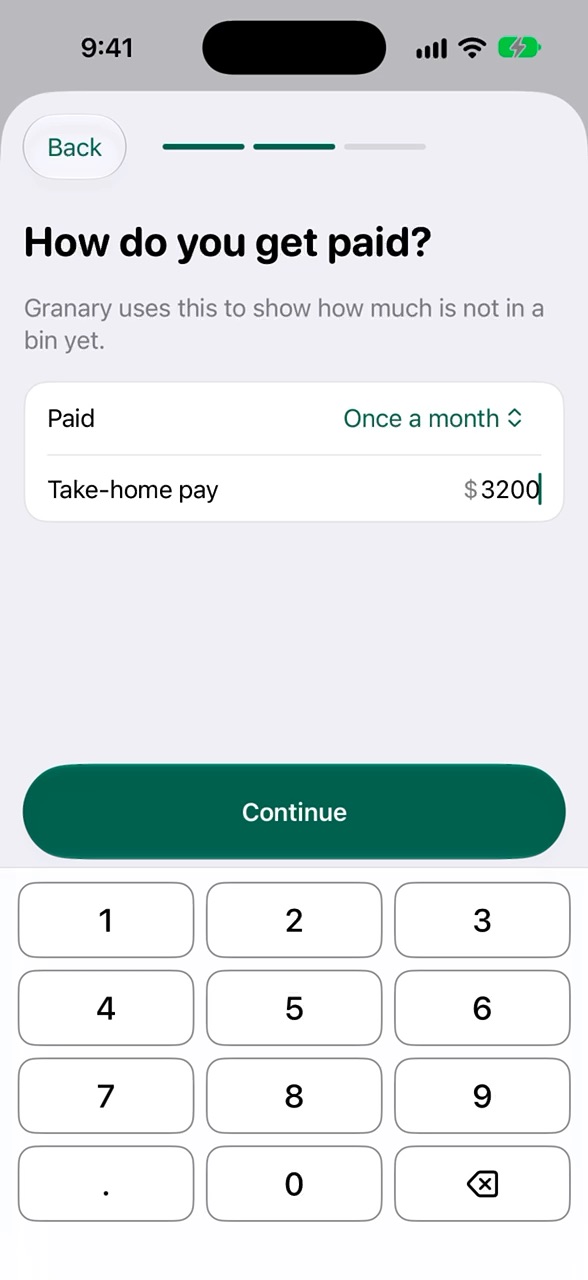 Set up your budgetYour pay and your first bins, in about a minute.
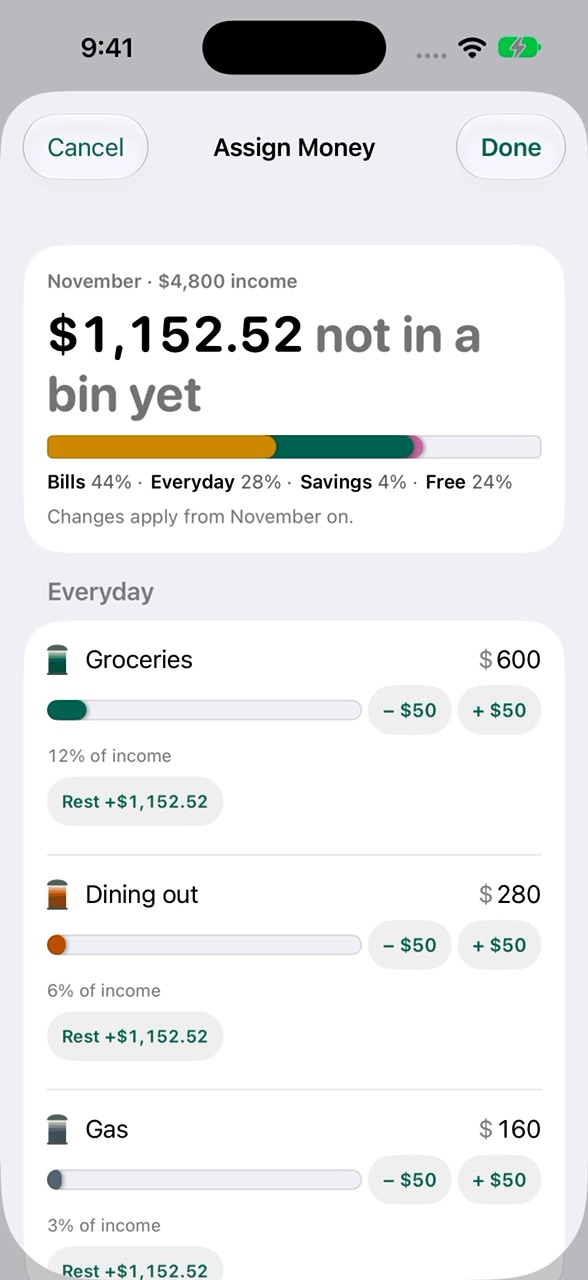 Assign money to your binsGive every dollar of your income a job.
Every day
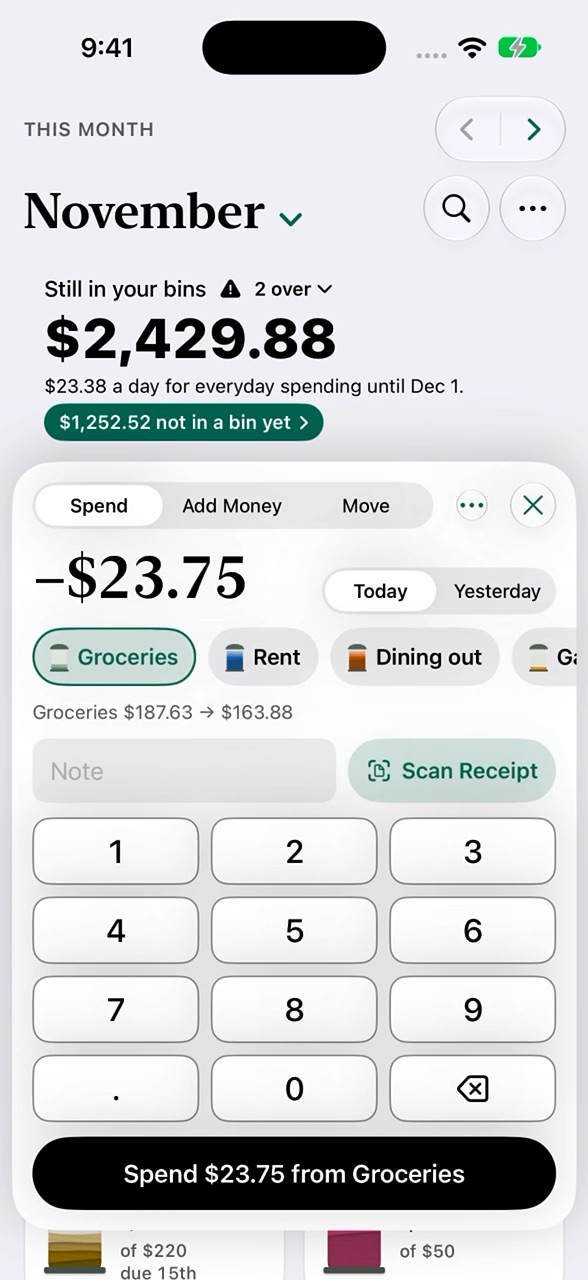 Log a purchaseThe amount, the bin, done.
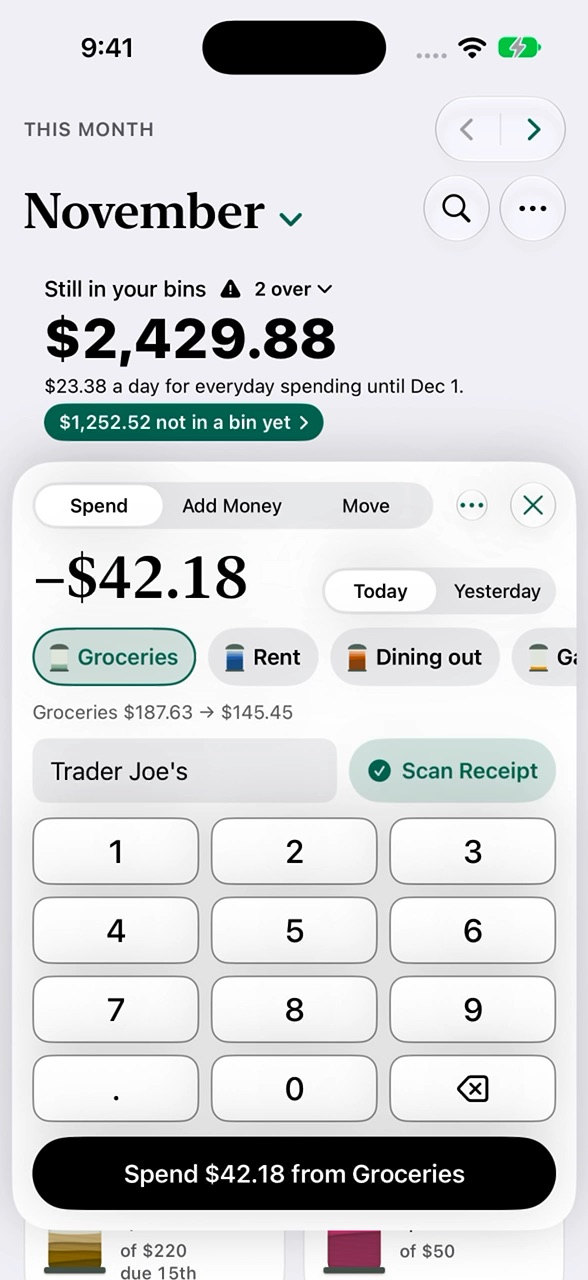 Scan a receiptGranary reads the total, store and date.
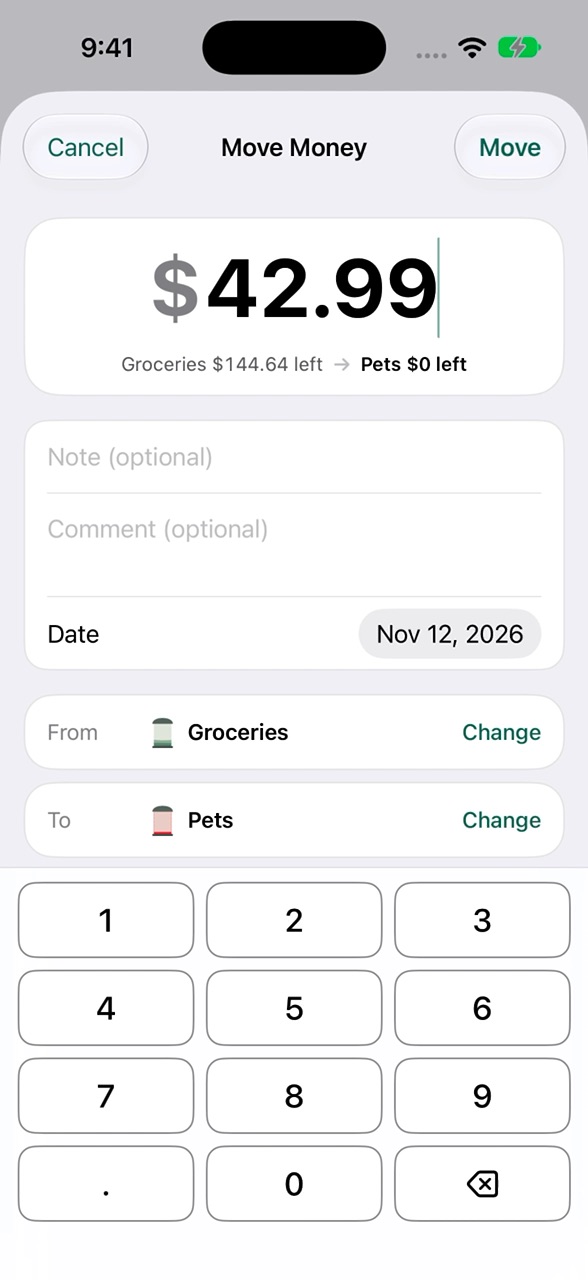 Move money, and cover a bin that went overFrom one bin to another; your total stays the same.
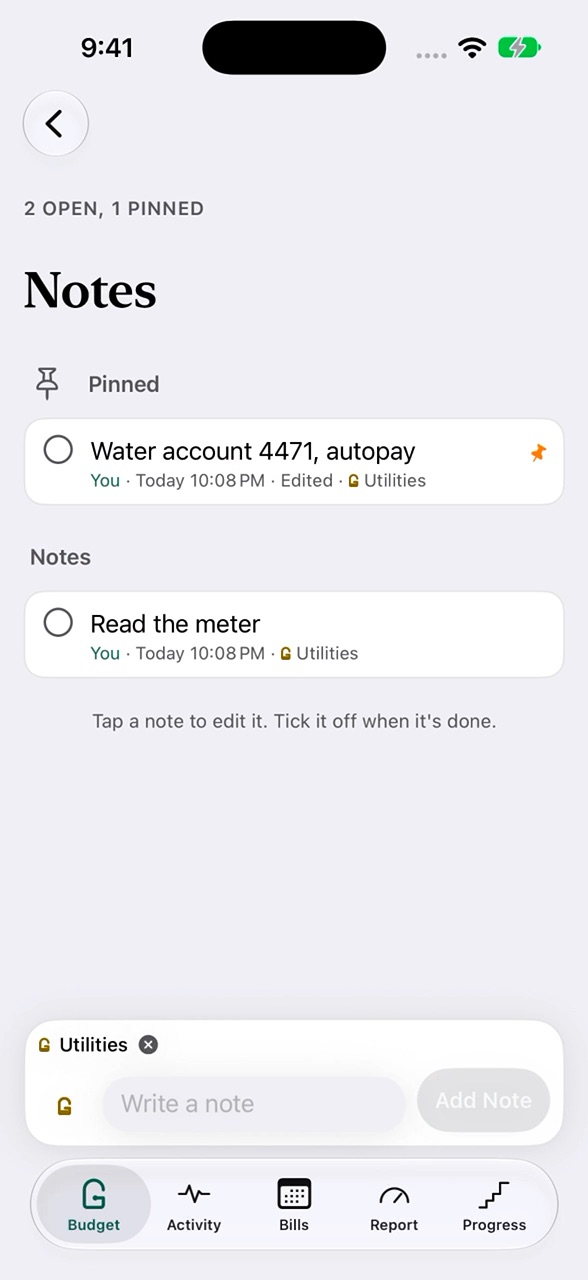 Keep notes on a binWrite, edit, pin and tick off.
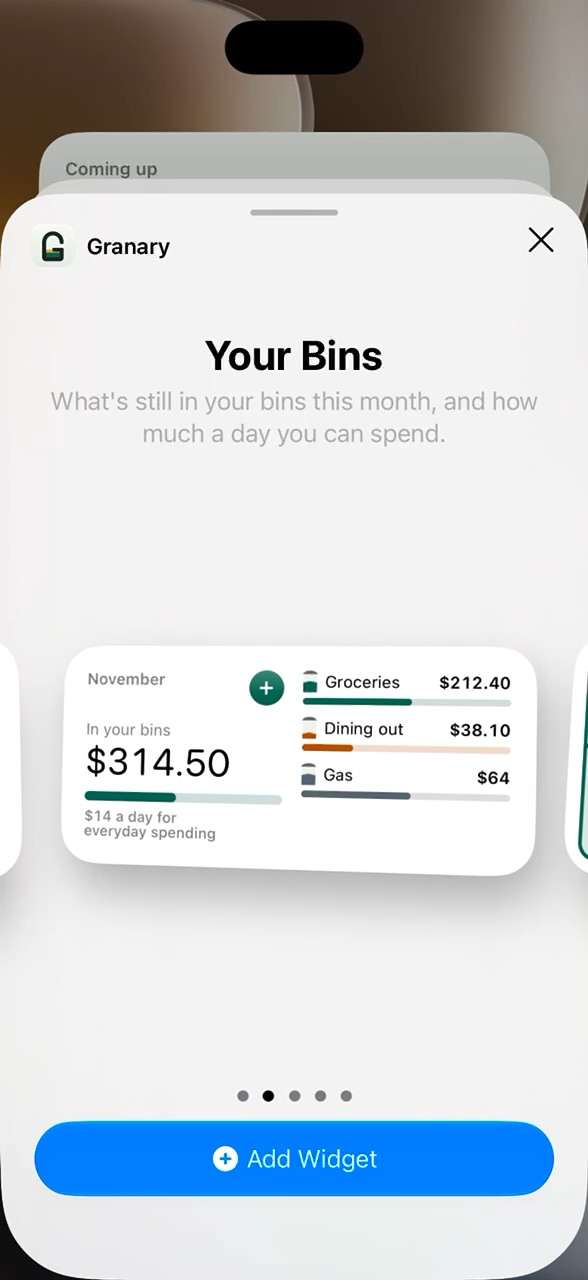 Widgets, Siri and Apple WatchWhat's left, without opening the app.
Bills and paychecks
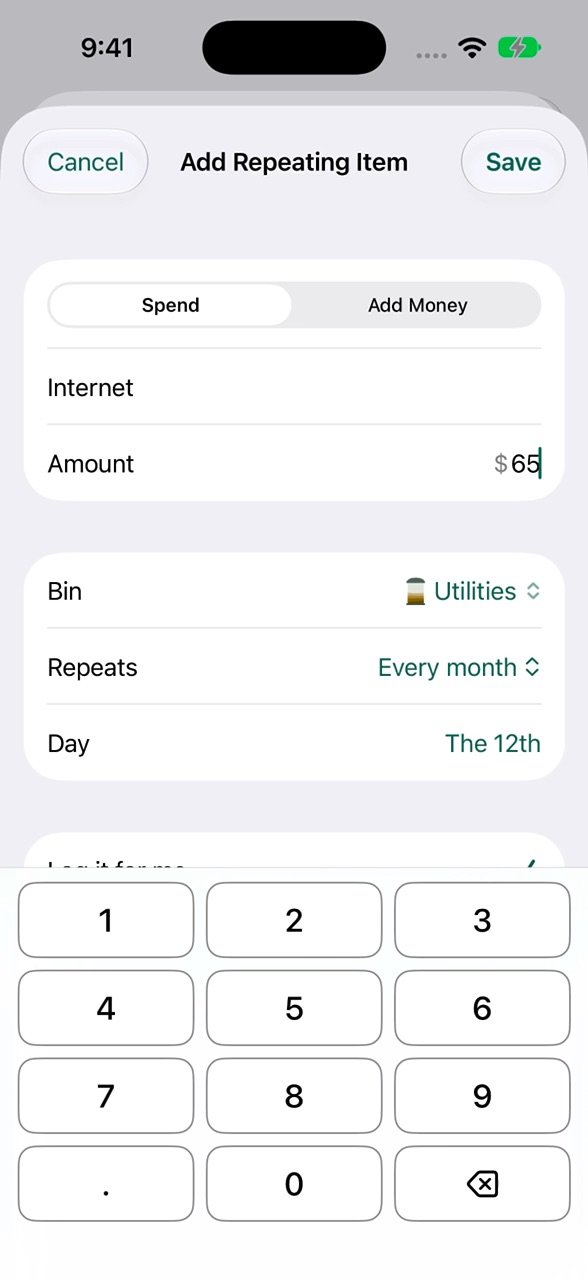 Add a bill or subscriptionIt logs itself on its day.
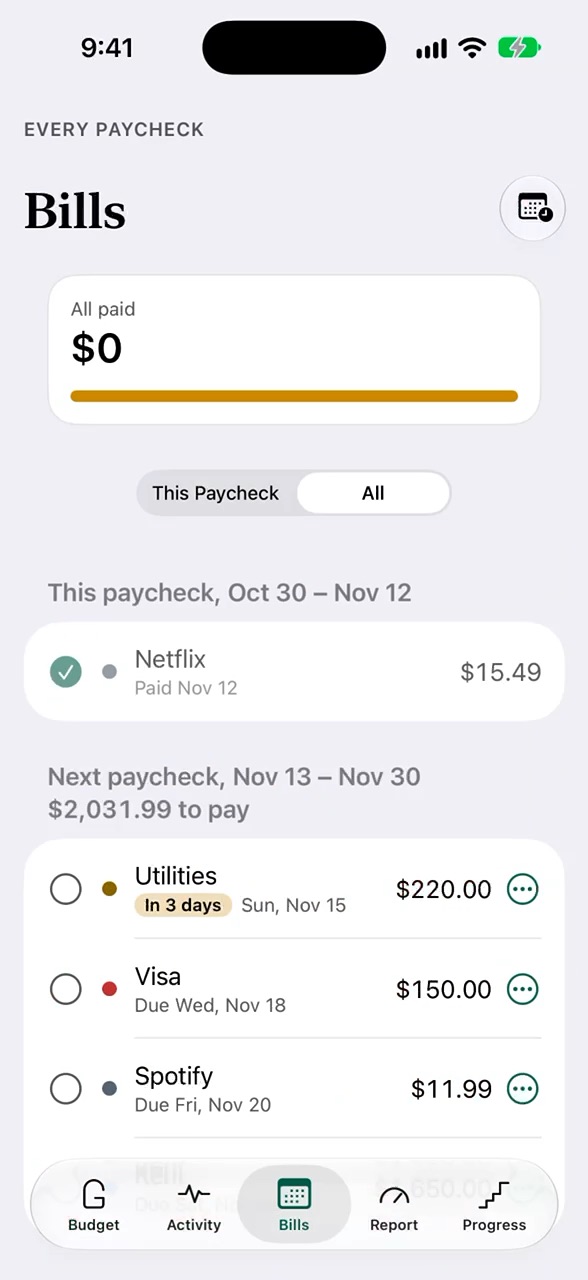 Plan by paycheckThis paycheck and the Paycheck Calendar.
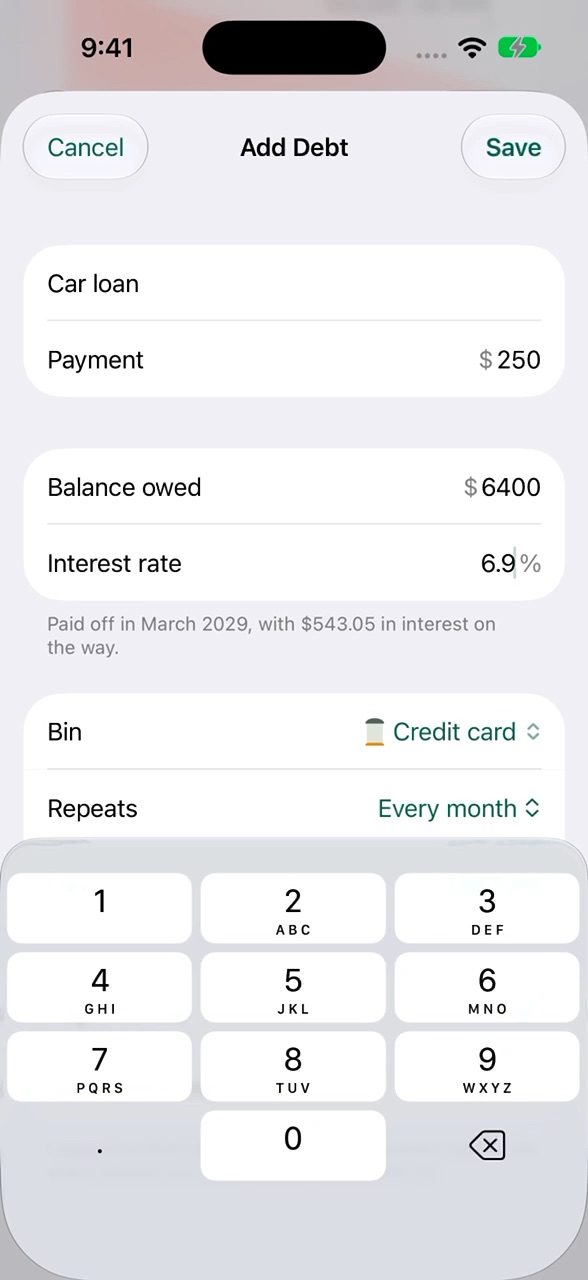 Add a debt and see the payoffWhen you'll be debt-free.
Goals and reports
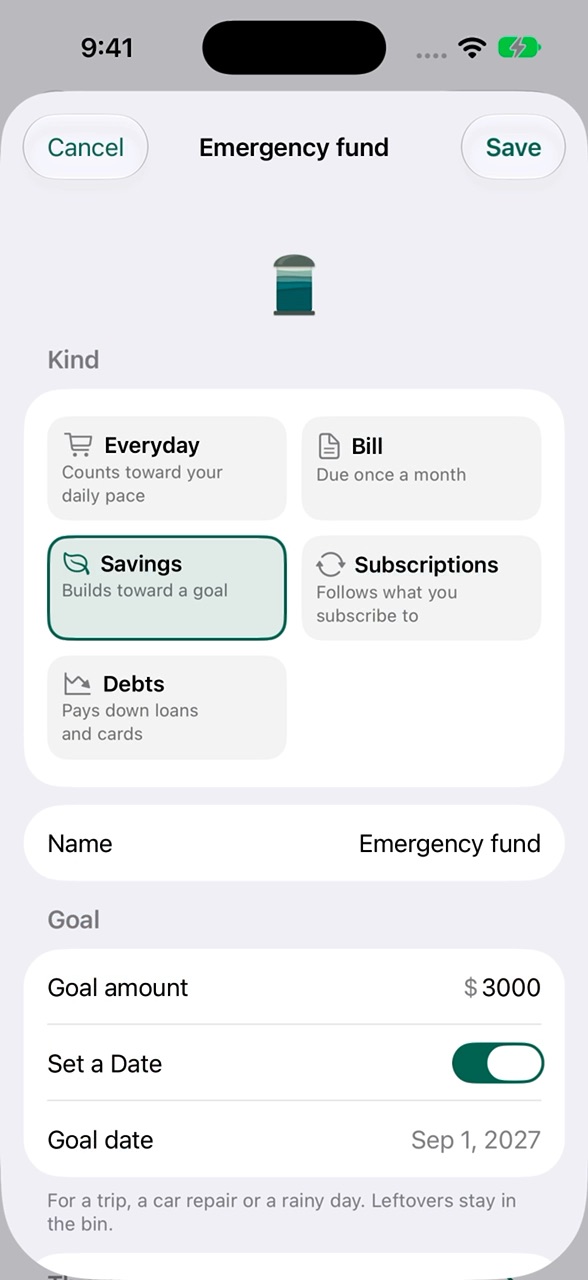 Set a savings goalA target, a date, and what to save each month.
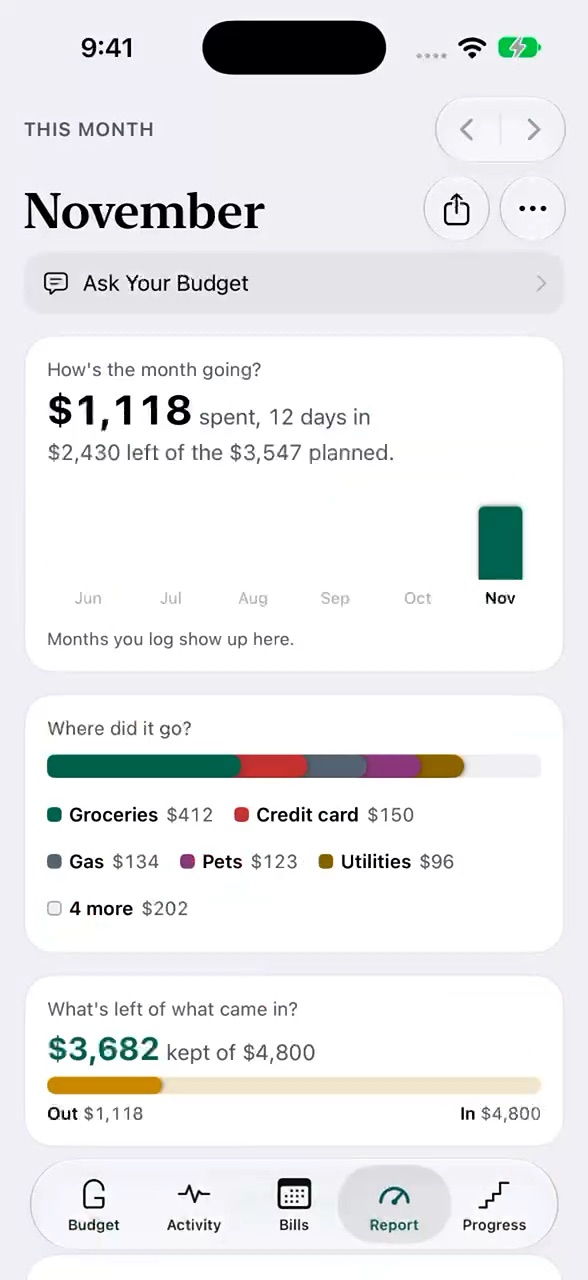 Read the ReportWhere the money went, and the months before.
Together, and your data
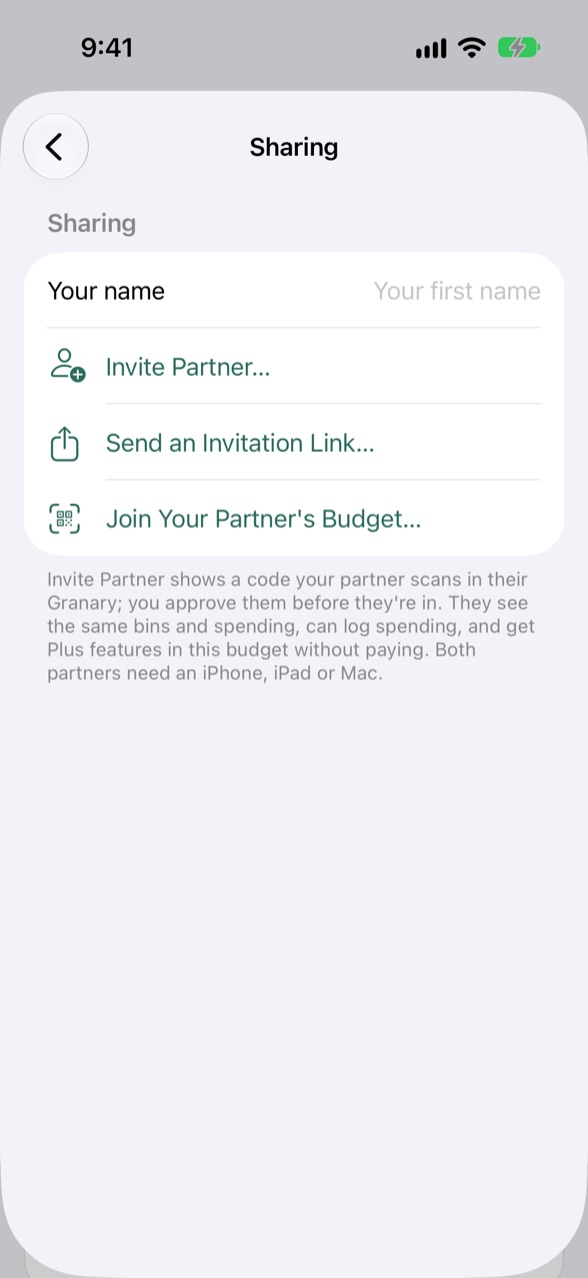 Share your budget with a partnerOne budget, both logging.
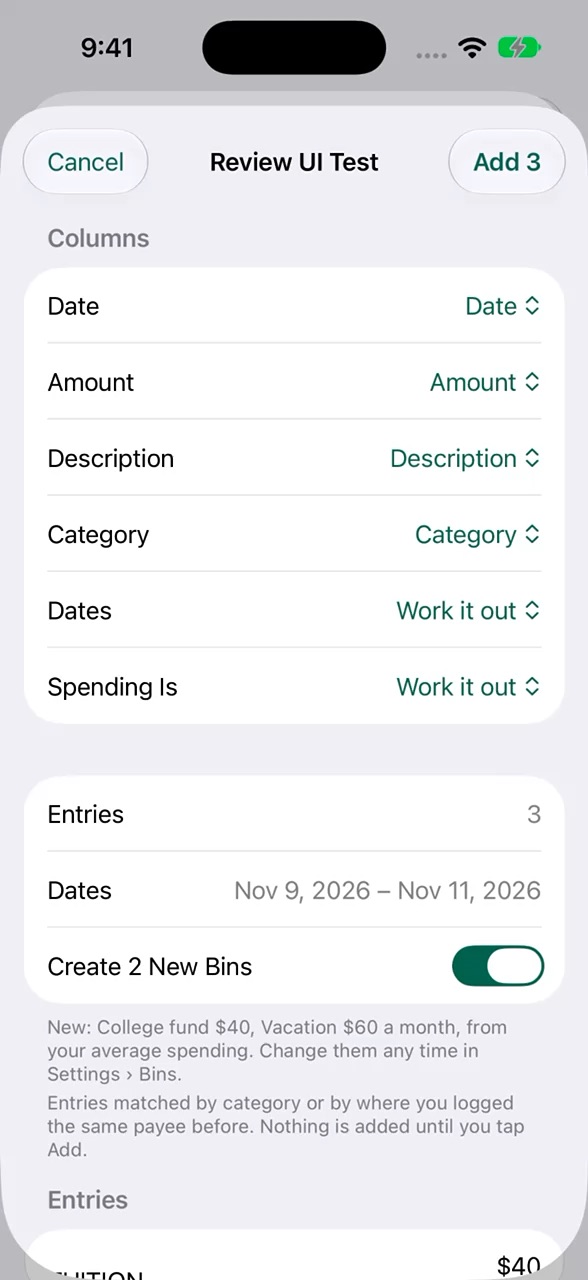 Import a CSV, or check a statementReviewed before anything is added.
Make it yours
Looking for something else? Help covers every feature in short, and the FAQ answers the common questions. Or write to support@granarybudget.app.


